As enterprise AI applications shift from static chat interfaces to autonomous agents, organizing agent interaction becomes the core architectural challenge. A single LLM call is rarely sufficient for complex, multi-step actions. Instead, we orchestrate a network of specialized agents, each equipped with specific tools and scopes.
Using Google's Antigravity SDK alongside the Gemini API, developers can define and chain agentic pipelines that automatically route tasks based on intent.
#Architecture of Multi-Agent Systems
In a standard multi-agent setup, we define a Router agent that parses the user's initial request and delegates it to downstream agents:
- Researcher Agent: Queries internal databases, vector stores, and web APIs.
- Coder Agent: Writes, runs, and debugs code inside a secure sandbox.
- Reviewer Agent: Audits output quality and safety standards before returning results.
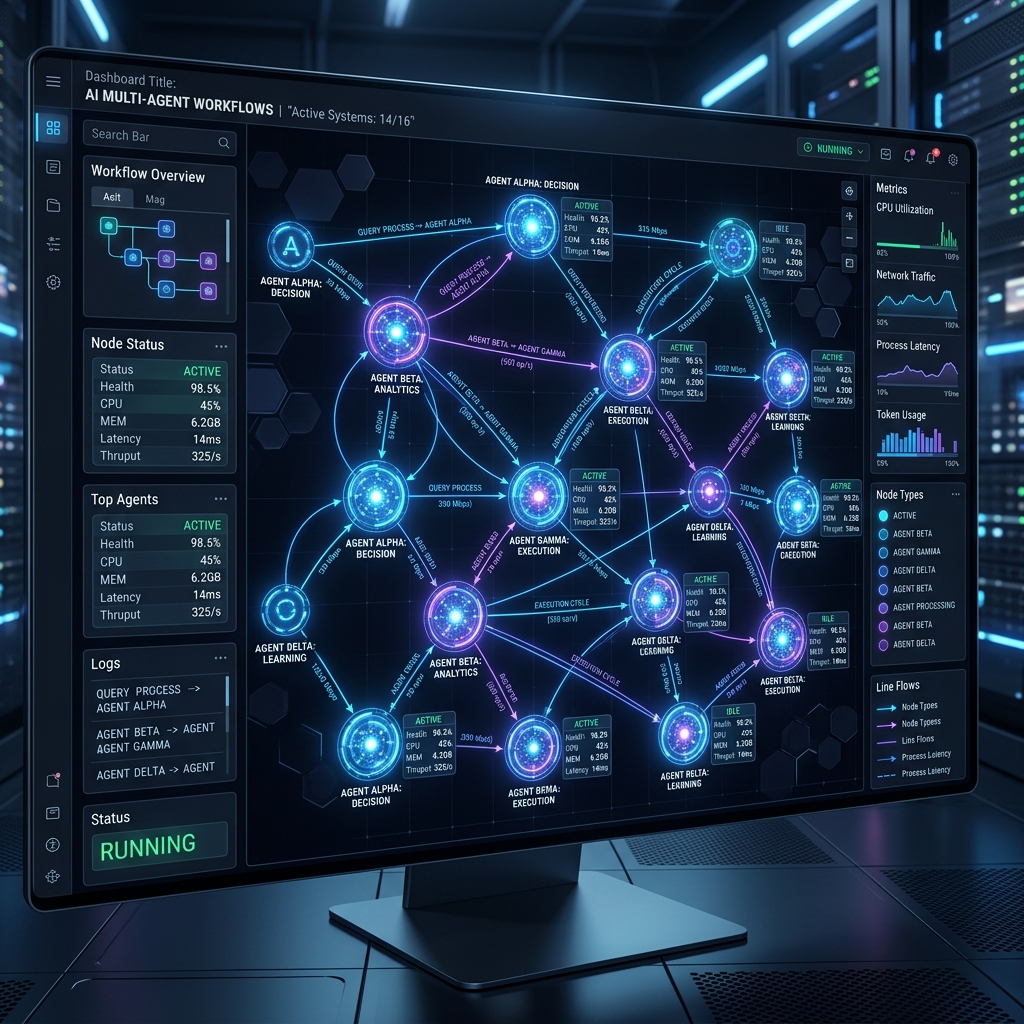
This architecture can be visualised as an interactive node network dashboard:
Prompt example
Google Antigravity SDK
A sleek glowing dark UI dashboard showing a network node graph of multi-agent AI workflows. Lines connecting glowing neural nodes with micro-metrics. Translucent glass containers, blue and purple neon highlights, professional technical layout.
Aspect
1:1
Stylize
Premium
Seed
99824058
Interactive RAG Chunking Visualizer
Simulate document chunking sizes, overlap strategies, and compare embedding costs across Gemini and OpenAI.
#Orchestration in Python
To orchestrate this workflow programmatically, the Google Antigravity SDK provides structured configurations to manage agent boundaries. Below is a production-ready script configuration initializing the coordinator agent and executing the delegated multi-agent workflow:
import asyncio
from google.antigravity import Agent, LocalAgentConfig, types

async def run_orchestration():
    # Configure the coordinator agent with subagent capabilities enabled
    config = LocalAgentConfig(
        model="gemini-3.6-flash",
        system_instructions=(
            "You are the main coordinator agent. Delegate code research tasks and "
            "code generation tasks to specialized subagents to solve the user's request. "
            "Ensure the final output is audited before returning."
        ),
        capabilities=types.CapabilitiesConfig(
            enable_subagents=True,  # Enables spawning child subagents
        )
    )

    # Instantiate the agent using the asynchronous context manager
    async with Agent(config=config) as agent:
        # Prompt the coordinator to delegate and execute the multi-step task
        response = await agent.chat(
            "Research the database connector file in our workspace, "
            "then refactor the connections to use a connection pool, "
            "and finally verify the new pooled connections are robust."
        )

        # Await and print the final aggregated result from the agent loop
        output = await response.text()
        print("Workflow output:\n", output)

# Run the async main loop
if __name__ == "__main__":
    asyncio.run(run_orchestration())
With this architecture, the main coordinator agent handles execution in a clean lifecycle context, dynamically launching subagents that run autonomously, edit files, and self-correct compile errors.
Written by
Neutral Overdrive Team
Editorial team
Maintains tested guides, comparison notes, templates, and tools for AI builders and operators.
Contact editor