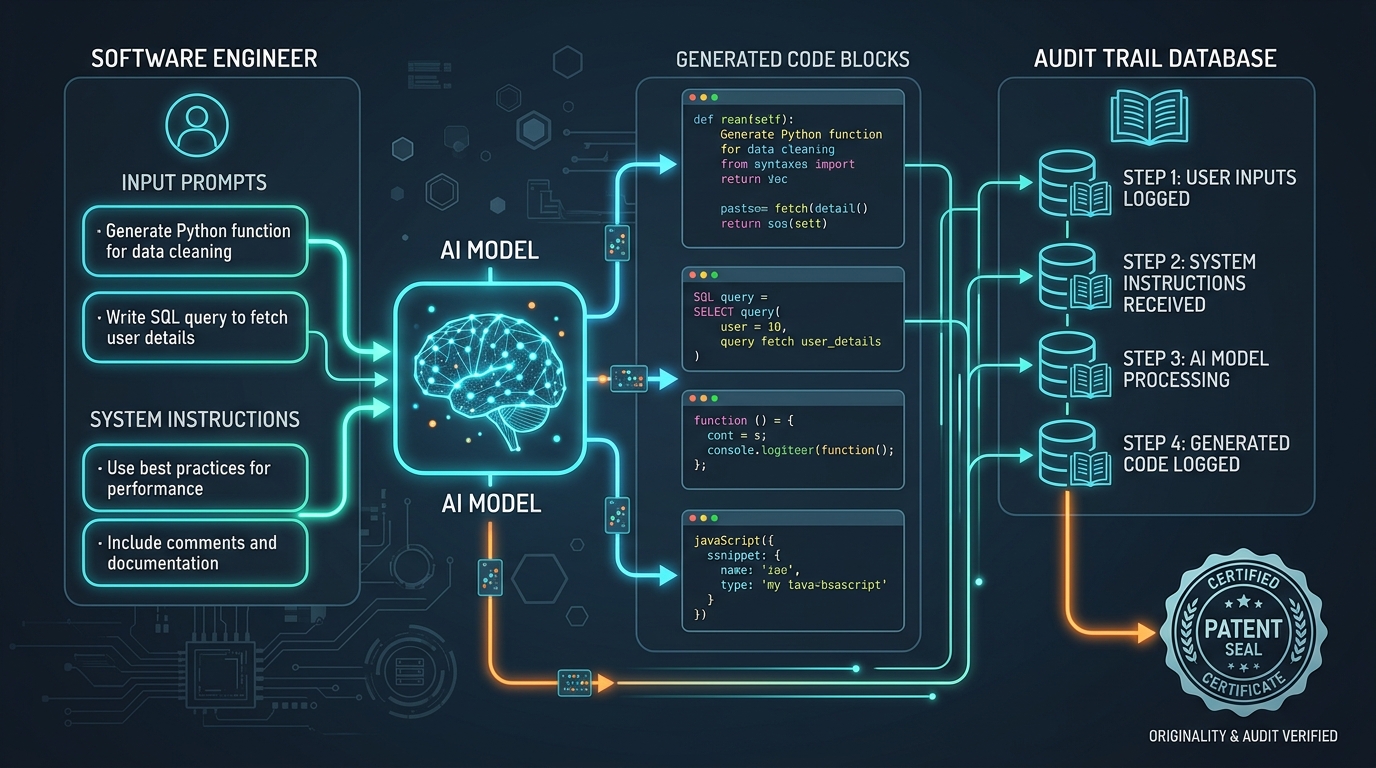
When integrating Large Language Models (LLMs) into production codebases, parsing free-text outputs is a major point of failure. If your code expects a structured JSON object but the model returns conversational text alongside it, your code will throw runtime errors.
Using Google's Gemini 3.1 Pro or Flash, developers can set a response_schema directly in the API configurations. This forces the model to respond strictly in a JSON format that adheres to a predefined data structure, guaranteeing zero parsing exceptions in your agent loops.
#Defining Your Data Structure with Pydantic
The most robust way to enforce a schema in Python is by defining a Pydantic model. Pydantic handles type validation and automatically exports the required OpenAPI-compatible JSON schema that the Gemini API expects.
Let's define a system diagnostics schema for an AI node inspector:
# Defining the diagnostic data structure
from pydantic import BaseModel, Field
from typing import List, Optional

class PortConfig(BaseModel):
    port: int = Field(description="Internal port number")
    status: str = Field(description="Status of the port: ACTIVE, INACTIVE, or BLOCKED")

class SystemDiagnostics(BaseModel):
    config_name: str = Field(description="Name of the configuration preset")
    status: str = Field(description="Health state of the system node")
    endpoint: str = Field(description="API version endpoint identifier")
    data_active: bool = Field(description="Whether the data loop is active")
ports: List[PortConfig] = Field(description="List of port status configurations")#Dispatching the Schema-Enforced API Request
Once you have your Pydantic model, you pass it to the Gemini client setup. The SDK will translate your class definition into the required schema parameter.
Here is the exact setup to dispatch a strict request:

Prompt example
Gemini 3.1 Pro
Extract the system status parameters, database health states, user session identifiers, and active port configs into the exact structured schema. All values must match strict data formats, omitting any text outside the JSON boundaries.
Aspect
16:9
Stylize
Structured
Seed
109283742
Notice that the model is locked into returning the exact structure defined in our parameters. Here is the full execution script using the Google GenAI SDK:
# Dispatching request with strict JSON schema enforcement
import google.generativeai as genai
import json

# Configure API key
genai.configure(api_key="GEMINI_API_KEY")

# Initialize model with schema enforcement parameters
model = genai.GenerativeModel(
    model_name="gemini-3.1-pro",
    generation_config={
        "response_mime_type": "application/json",
        "response_schema": SystemDiagnostics,
    }
)

# Request extraction from unstructured text
raw_log = "Error log: SRV_741 port 8080 state is ACTIVE. System load 45.2%, health is OK."
response = model.generate_content(
    f"Analyze these diagnostics and populate the schema: {raw_log}"
)

# Parse response with complete confidence
parsed_data = json.loads(response.text)
print("Validated JSON Object:", parsed_data)
By specifying the response_schema, the API guarantees that response.text will always be a valid string conforming to the SystemDiagnostics model. This structure makes it ideal for agentic pipelines, letting your agents communicate data structures reliably without manual string cleanup regex rules.
Written by
Pete Overdrive
Workflow editor
Writes practical guides on model APIs, retrieval systems, structured output, and agent workflows.
Contact editor