Kling 3.0 has emerged as a powerhouse for generating high-fidelity video sequences with complex physics and motion. Unlike static images, prompting for video requires conveying temporal states—how things move, change direction, or interact with the camera over time.
To achieve cinematic camera movement, prompt engineers use motion direction vectors. For example, instead of asking for a "moving train", you must describe the camera path relative to the subject (e.g. "slow pan from left to right tracking the train").
#Directing the Camera
In Kling 3.0, the camera acts as a virtual director. You can prompt specific camera terms to dictate the viewport transformation:
- Pan Left/Right: Rotates the camera horizontally.
- Dolly Zoom: Creates a dramatic perspective shift.
- Crane Shot: Moves the camera vertically, providing an aerial view of complex environments.
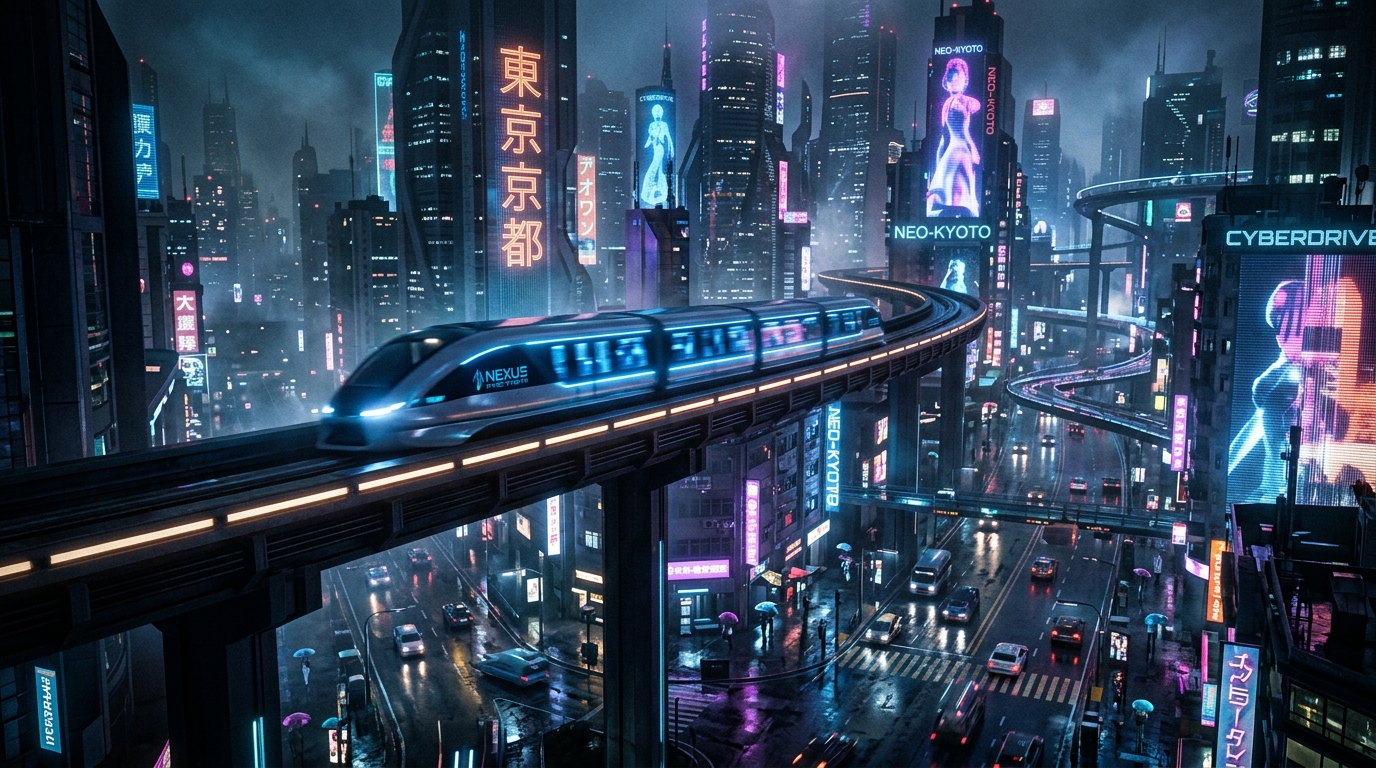
Here is the prompt blueprint we developed for a cyberpunk urban setting:
Prompt example
Kling 3.0
A wide cinematic camera panning shot of a sleek futuristic transit train gliding silently above a neon-lit cyberpunk city at night, reflecting off wet roads. Neon blue and purple lighting, misty atmospheric haze. Cinematic film still.
Aspect
16:9
Stylize
High
Seed
193028472
#Integrating Motion Values
When configuring your Kling dashboard, utilizing motion speed settings between 3 and 7 preserves physical plausibility. Setting the speed too high (8+) introduces surreal warping, while low values (1-2) resemble static images with minor noise.
Here is a typical Python workflow script to programmatically dispatch video generation requests to a Kling API worker:
# Dispatching Kling video generation via API client
import requests

def dispatch_kling_job(prompt, aspect_ratio="16:9"):
    payload = {
        "prompt": prompt,
        "mode": "professional",
        "aspect_ratio": aspect_ratio,
        "camera_movement": "pan_right",
        "motion_sensitivity": 5
    }
    headers = {"Authorization": "Bearer KLING_API_KEY"}
    response = requests.post("https://api.klingai.com/v1/videos", json=payload, headers=headers)
    return response.json()

print(dispatch_kling_job("Sleek futuristic transit train gliding above cyberpunk city"))
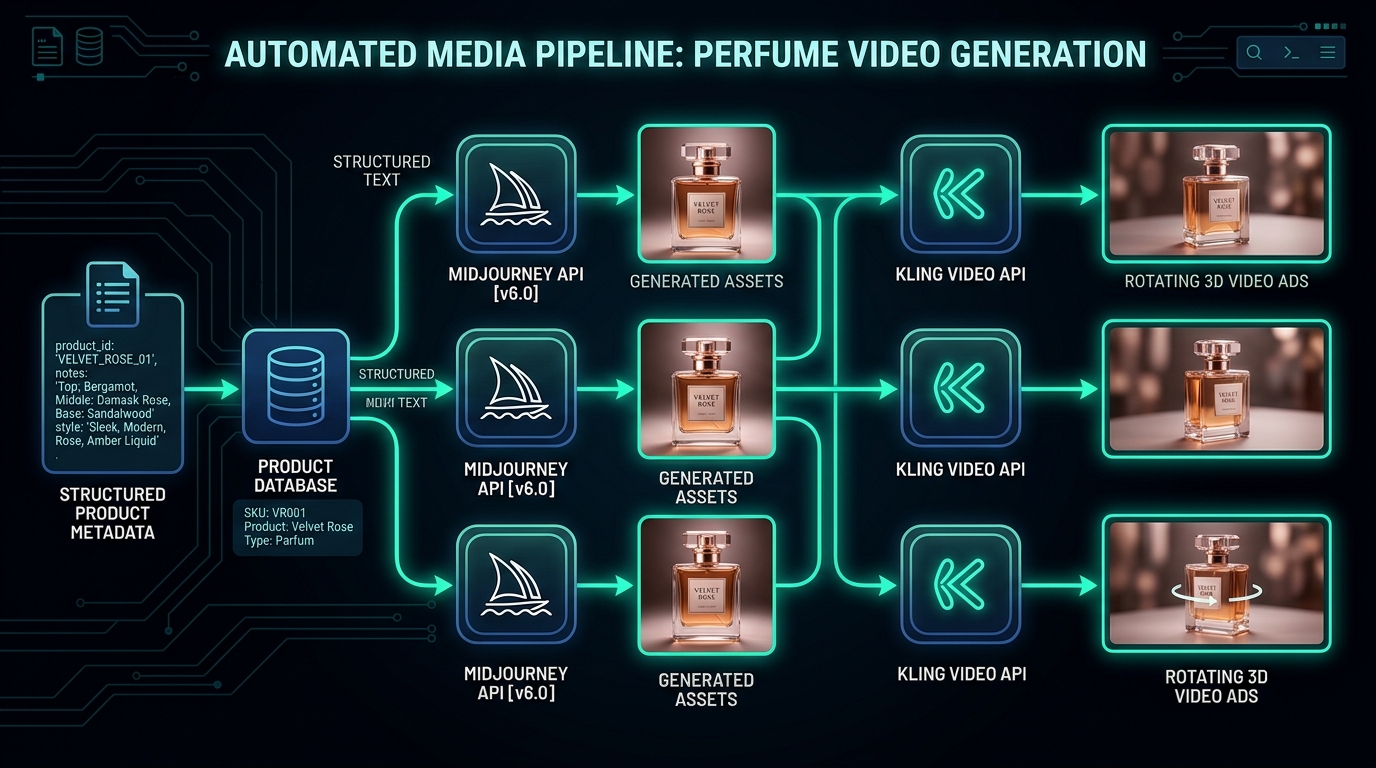
Through precise API calls, you can automate video production pipelines with constant motion settings.
Written by
Neutral Overdrive Team
Editorial team
Maintains tested guides, comparison notes, templates, and tools for AI builders and operators.
Contact editor