The landscape of generative AI video tools is expanding at a breakneck pace. For creators, designers, and video editors looking to monetize their workflows, choosing the right platform is critical. The two major heavyweights in this class are Kling AI and Luma Dream Machine.
In this guide, we break down their performance, motion physics, pricing, and character consistency models to determine where you should invest your monthly subscription dollars.
#Technical Comparison Matrix
Let's look at the core technical capabilities of each model:
| Feature | Kling 3.0 (Turbo/Omni) | Luma Dream Machine (Ray3.2) | | :--- | :--- | :--- | | Max Clip Duration | 5s (extendable to 15s) | 5s (extendable to 9s) | | Max Resolution | 1080p (4K support on Omni) | 1080p | | Motion Realism | High (Excellent physics) | Very High (Camera dynamics) | | Text-to-Video Speed | ~1-2 mins (Turbo Mode) | ~1-2 mins | | Base Price | $10/month | $9.99/month | | Free Tier | Yes (Daily free credits) | Yes (30 free generations/mo) |
#Motion Consistency & Physics
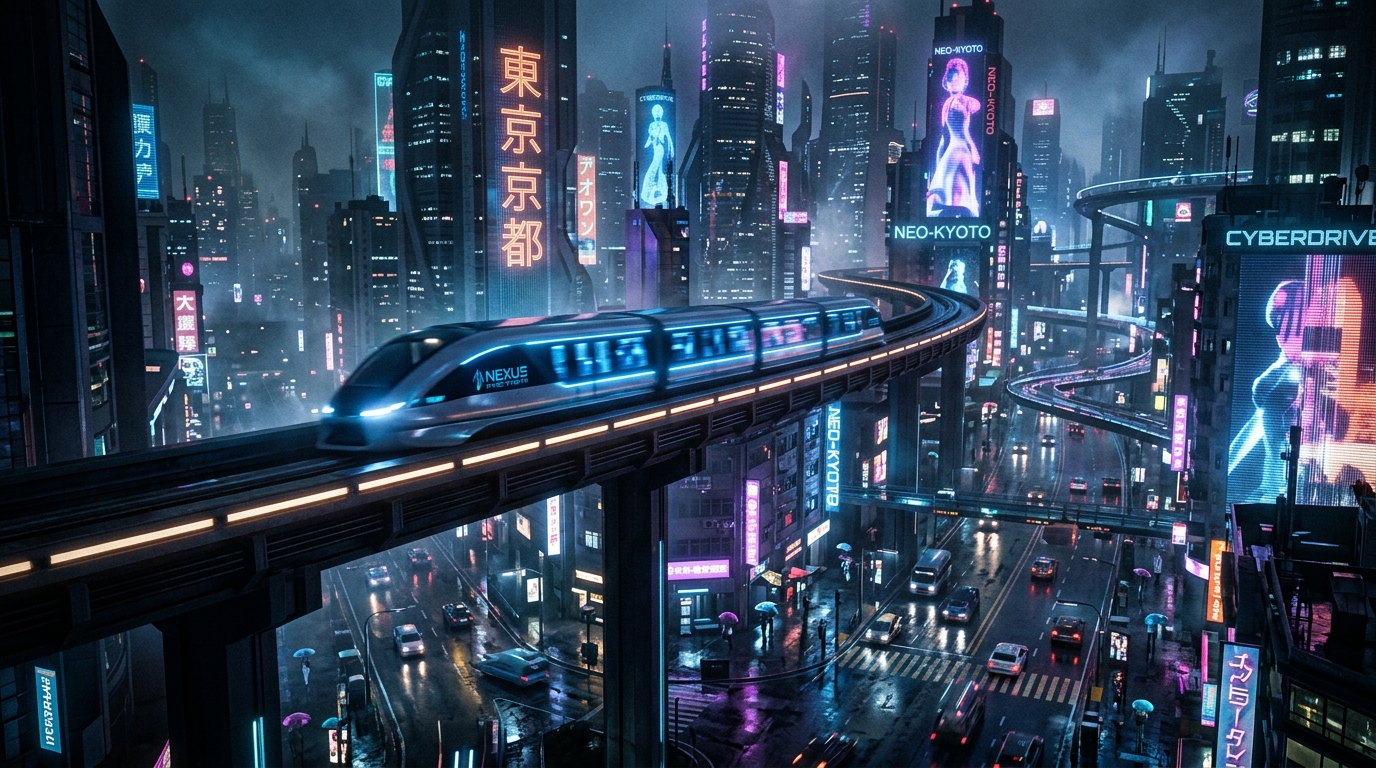
Where Luma Dream Machine (Ray3.2) stands out is in its camera dynamics. Luma excels at rendering smooth, sweeping camera movements (like dollying, panning, or tracking shots) without causing the background to warp or melt, and its new Skills system gives directors higher fine-grained control.
However, Kling 3.0 dominates when it comes to human anatomy physics and complex character movements. With the release of Kling 3.0 Turbo and Omni, the model preserves fingers, limbs, and facial structures much more accurately than Luma, which can sometimes result in surreal mutations.
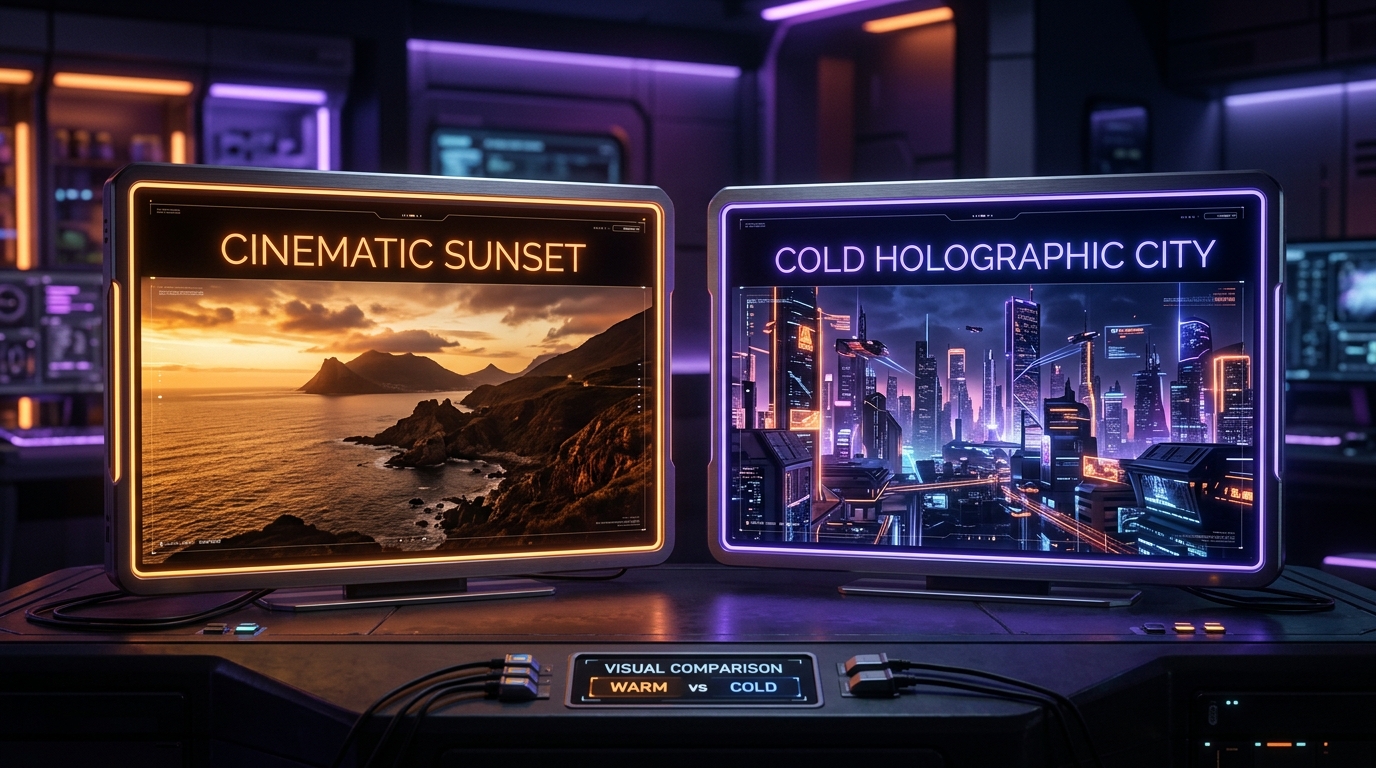
Prompt example
Kling 3.0 / Luma Ray3.2
Side-by-side comparison displays. Left display: a cinematic warm sunset over rocky ocean cliffs. Right display: a cold holographic cityscape under violet neon skies. 8k resolution, photorealistic rendering.
Aspect
16:9
Stylize
Cinematic
Seed
882736452
#Subscription Payouts and Value: Which is Better?
If your goal is to produce commercial advertisements, social clips, or client video content, here is our recommendation:
- Choose Kling AI if: You need highly realistic human characters, precise motion control, and want the flexibility of daily free check-in credits to test prompts before rendering high-quality versions.
- Choose Luma Dream Machine if: You are creating sweeping cinematic landscapes, sci-fi world-building structures, and need faster rendering speeds.
Affiliate Tip: Both platforms offer credit packages. Sign up for their newsletter lists to receive updates on promotional pricing and credit packages.
Written by
Pete Overdrive
Workflow editor
Writes practical guides on model APIs, retrieval systems, structured output, and agent workflows.
Contact editor